

Tips for Creating a Productive Home Workspace
Creating a productive home workspace is essential for anyone working remotely or managing tasks from home. A well-designed area can improve focus, comfort, and efficiency, helping you separate work time from personal time even if both happen in the same space.
In this post, we’ll explore practical tips to help you create a workspace at home that supports your productivity and well-being.
Choose the Right Location
Choosing the right spot in your home for your workspace is the first step. Ideally, this should be a quiet area with minimal distractions.
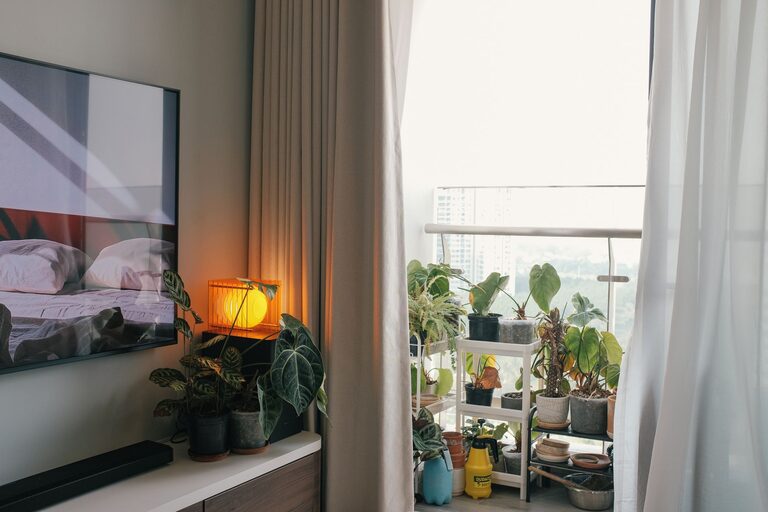
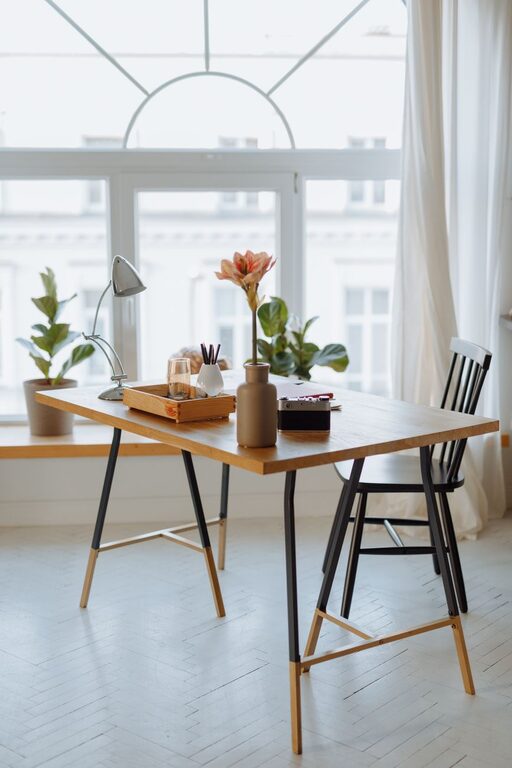
– Consider natural light: If possible, pick a spot near a window. Natural light boosts mood and reduces eye strain.
– Separate from high-traffic areas: Avoid spaces like the kitchen or living room if these are busy and noisy.
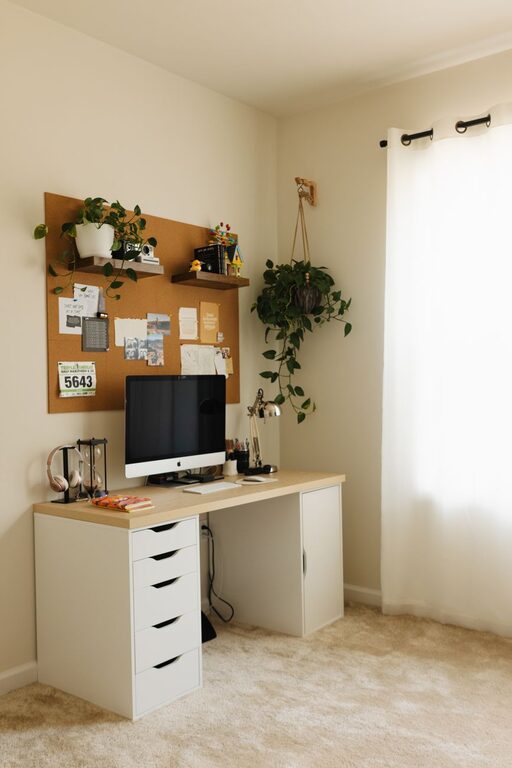
– Dedicated space: Even a small corner can work if it’s used only for work purposes.
Invest in Comfortable Furniture
Comfort influences how long and how well you work, so invest in ergonomic furniture.
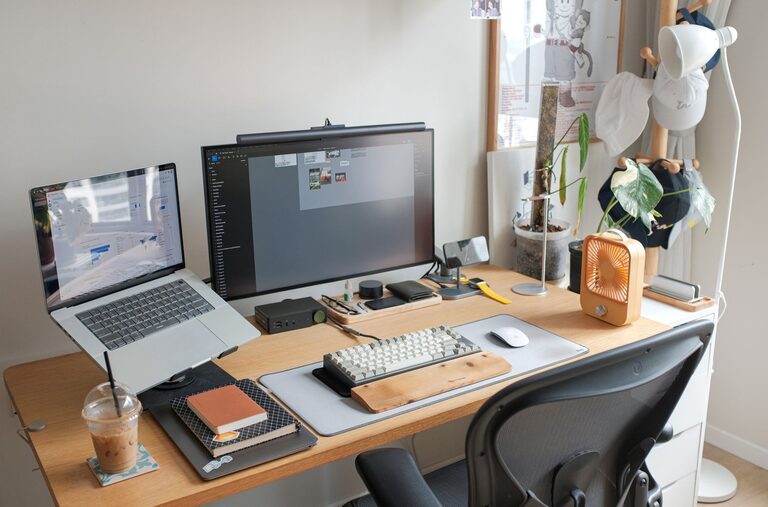
– Desk: Select a desk with enough surface area for your computer, paperwork, and other essentials.
– Chair: Choose an adjustable chair that supports your back and encourages good posture.
– Accessories: Consider using a footrest, wrist support, or monitor risers to maintain ergonomics.
Organize Efficiently
A cluttered workspace can cause stress and distract you.
– Declutter regularly: Keep only what you need on your desk.
– Storage solutions: Use shelves, drawers, or organizers to keep supplies tidy.
– Cable management: Use clips or tubes to keep cords neat and untangled.
Set Up Proper Lighting
Good lighting reduces eye strain and improves focus.
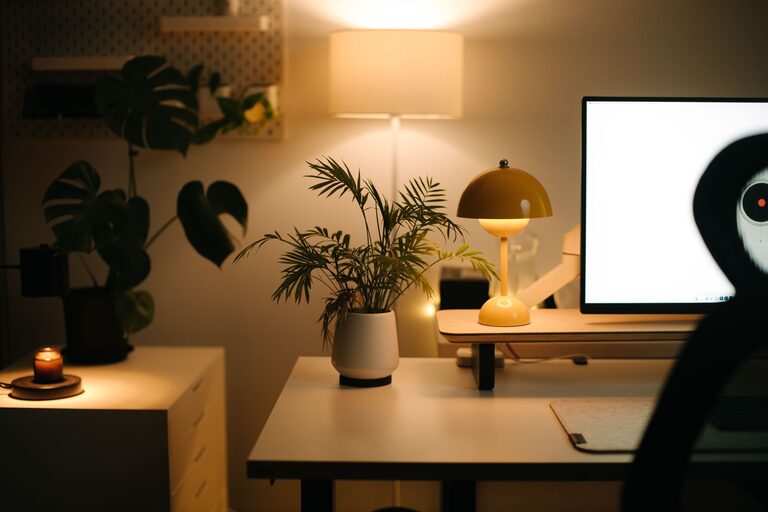
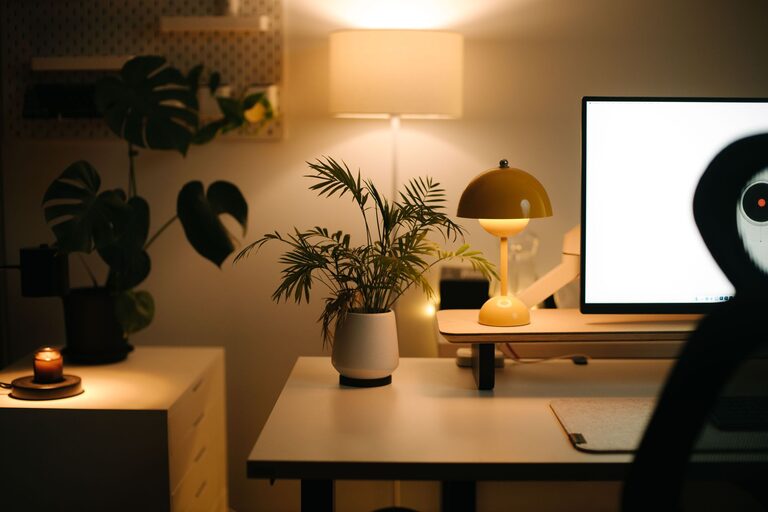
– Combine natural and artificial lighting: Use daylight where possible, along with adjustable desk lamps.
– Avoid glare: Position screens away from direct light sources.
– Warm tones: Lighting with warm, soft tones is often more comfortable for long hours.
Minimize Distractions
Reducing distractions helps maintain focus during work hours.
– Noise control: Use noise-cancelling headphones or soft background music if needed.
– Limit interruptions: Communicate your work schedule with family or housemates.
– Turn off non-essential notifications: Silence social media or non-work-related alerts while working.
Personalize Thoughtfully
Adding personal touches can make your workspace inviting and motivating.
– Plants: Small plants freshen the air and add life.
– Inspirational items: Photos, artwork, or motivational quotes can boost your mood.
– Color choices: Use calming or stimulating colors based on your preference to affect productivity positively.
Maintain a Routine
Creating boundaries between work and home life supports productivity.
– Set consistent hours: Start and finish work around the same time daily.
– Take regular breaks: Short breaks improve concentration and reduce fatigue.
– End-of-day ritual: Clear your desk or close your laptop to signal the end of the workday.
Utilize Technology Wisely
Technology can enhance productivity when used appropriately.
– Reliable internet: Ensure strong connectivity for video calls and online tools.
– Productivity apps: Use task managers or timers to stay organized.
– Backup plan: Keep chargers and extra cables handy to avoid interruptions.
Keep Your Workspace Clean
A clean environment supports mental clarity.
– Daily tidy-up: Spend a few minutes clearing your workspace every day.
– Weekly deep clean: Dust surfaces and clean screens regularly.
—
Creating a productive home workspace doesn’t require a large budget or space. With these organized steps, you can design a work area that keeps you comfortable, motivated, and focused. Start small, make gradual improvements, and find what works best for your style and needs. Happy working from home!